Abstract: “I thought building a website only required a VPS… little did I know that SSL certificates, VPS, and I would end up in a hilarious and frustrating love-hate saga. From incorrect DNS settings to finally seeing that little lock icon—here are all the pitfalls I stumbled into, shared for every beginner out there, so you can learn while laughing (or crying).”
In my last post, I talked about my motivation for building a site and how I chose a platform. Today, I’m sharing a technical step that I both loved and hated—the SSL certificate. If you’re also just starting out, maybe my experience will make you smile (or bring a tear to your eye).
At first, I had no idea that building a website required something called an SSL certificate. In my simple understanding, you need a marriage certificate to get married, a business license to open a shop—so why would a VPS website need a certificate? I was completely baffled. Even after searching for information, I was still lost. So I decided: forget it! I’ll just do what some blogger said—“run naked!” It’s not like I’m some important figure anyway. Naked it is.
But soon I realized things weren’t that simple. Since I planned to run the site long-term, security couldn’t be ignored. Well, it looked like my VPS and I had to “get certified.” And the path to certification was anything but smooth.
I first went to my domain registrar and searched forever but found no trace of certificates. Then I rushed over to Cloudflare and finally saw the word “certificate,” but… edge certificates, permanent certificates—there were so many types! Which one was I supposed to get?!
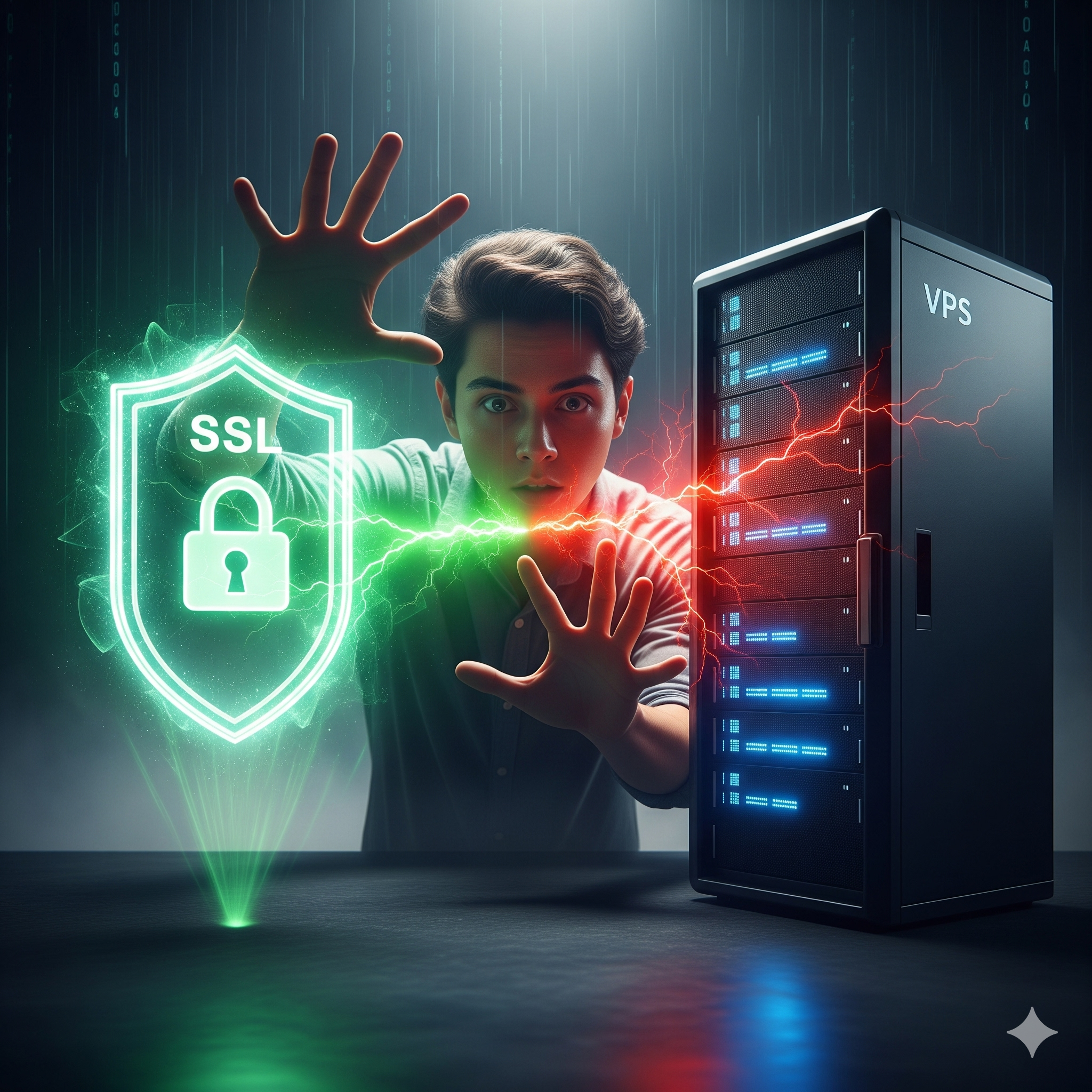
After some help from AI and a mix of Chinese and English translations, I finally understood: what I needed was an SSL certificate. Simply put, it’s like a “marriage certificate” between your domain and your VPS. Without it, browsers won’t recognize you and will boldly mark your site as “Not Secure.” For someone from my generation who isn’t very tech-savvy, this thing seemed downright mystical at first.
After finally applying for the certificate, the real problems began. During installation, I went all out with a flurry of operations, and… ended up crashing my VPS. The ladder I had painstakingly built was gone in an instant. At that moment, it felt like the sky was falling—because I had no idea how to fix it!
The worst part was that I was using Oracle Linux 8, a system I was completely unfamiliar with. AI gave me over a dozen reinstallation methods, each one different. Lines of code scrolled across the screen, looking just like The Matrix, and I was Neo, trapped outside the digital world.
It was only later that I discovered the root cause: my DNS records weren’t correctly pointing to the VPS. That was it? That was it! But at the time, I had no clue. I had no choice but to reinstall and reconfigure everything. A week later, I finally restored my ladder and continued my battle with SSL. Should the “orange cloud” in Cloudflare be on or off? Opinions varied. I gritted my teeth and turned it off, but the browser still showed “Not Secure.” After two weeks of struggle, I found out… I had forgotten to configure a directory called .well-known.
Finally, the little lock icon appeared, and the site was accessible via HTTPS! I thought everything was smooth sailing from then on, but a few months later, the browser once again showed “Not Secure.” Me??? I didn’t do anything wrong!
Turns out, the certificate had expired—it wasn’t permanent after all. Fortunately, with the help of Yong, an internet guru, I managed to set up automatic renewal and even got a certificate valid for 15 years… by the time it expires, I’ll be almost 70 (laughs).
Looking back on this “love-hate saga,” although the process was incredibly frustrating, it was also deeply rewarding. If you’ve also stumbled into pitfalls on your website-building journey, don’t worry—we’ve all been there. The most important thing, perhaps, is to keep going even when you’re frustrated, and then… laugh about it as you write your blog.
原文
“建个网站竟然要证书?我一开始以为自己只需要一个VPS就完事了……结果SSL证书、VPS和我之间上演了一场又崩溃又搞笑的恩怨情仇。从 DNS 指向错误到小锁图标亮起,这一路踩过的坑,我想分享给每一个刚入门的建站小白,让你笑着、哭着、也能学到东西。
上一篇聊完了建站初衷与平台选择,今天就来分享一个让我又爱又恨的技术环节——SSL证书。如果你也是一个刚入门的小白,也许我的经历能让你会心一笑(或泪流满面)。
一开始我根本不知道建站还需要什么SSL证书。在我朴素的理解中,结婚要结婚证,开店要营业执照,怎么建个VPS网站还要证书?完全处于懵逼状态。查了半天资料依旧云里雾里,索性心一横:不管了!就按某个博主说的——“裸奔”呗!咱也不是什么大人物,裸奔就裸奔。
但很快我就发现,事情并没有那么简单。既然打算长期运营网站,安全问题绝不能忽视。得,看来必须得和我的VPS“领个证”了。领证之路,可谓一波三折。我先跑去域名服务商那边找了半天,压根没看到证书的影子;然后又冲去Cloudflare,总算看见“证书”两个大字,结果……边缘证书、永久证书,五花八门琳琅满目——我到底要领哪个证啊?!
在一顿AI协助、中英文混合翻译之后,终于弄明白:我需要的是SSL证书。说白了,它就像是域名和VPS之间的“结婚证”,没它,浏览器就不认你,还会大大方方标注“不安全”。对于我们这一代不太懂技术的人来说,这东西刚开始真的玄乎。
好不容易申请到了证书,问题却才刚刚开始。安装环节,我一通操作猛如虎,结果……直接把我VPS搞崩了。辛苦搭的梯子,说没就没。那一刻,我真的感觉天塌了——因为我根本不会修!
最要命的是,我用的还是Oracle Linux 8,一个我完全不熟悉的系统。AI给了我十几种重装方法,每一种还都不一样。屏幕上刷着一串串代码,像极了《黑客帝国》,而我,就是那个被困在数字世界外的Neo。
过后我才知道,根本原因竟然只是DNS解析没有正确指向VPS。就这?就这!但当时完 全没有方向,只能硬着头皮重装、重新配置。一个星期后终于把梯子救了回来,继续挑战SSL。Cloudflare里那个“小黄云”到底是开还是关?众说纷纭。我一狠心关了它,结果浏览器还是显示不安全。折腾了半个月,最后发现……原来是我漏配置一个叫做 .well-known 的目录。
终于,小锁图标出现了,https也能访问了!我以为从此稳如老狗,结果没过几个月,浏览器再次提示“不安全”。我???我没干坏事啊!
后来才发现是证书过期了——原来这玩意不是永久有效的。幸好后来在网络大神勇哥的帮助下,搞定了自动续期,甚至拿到了长达15年的证书……用完它我怕是都快七十了(笑)。
回头看这段“恩怨情仇”,虽然过程很崩溃,但却特别有成就感。如果你也在建站路上踩过坑,别怕,大家都一样。最重要的,或许就是一边崩溃,一边坚持,然后……笑着把它写进博客。